WINDOWS SPEECH TO TEXT · VOICE TO TEXT FOR WINDOWS 11
Speech to text for Windows 11 that writes it all down.
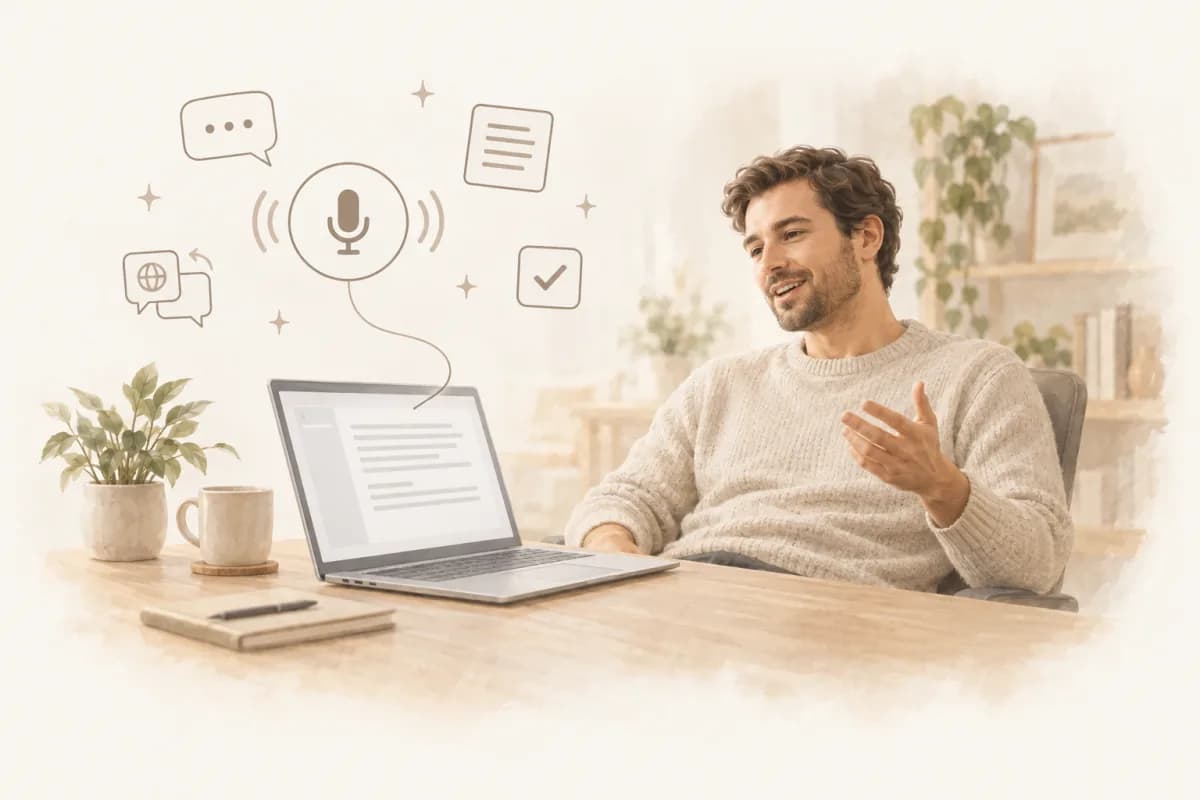
Record a meeting, a call or a lecture and watch it turn into text while people speak — speakers named, a summary written when you stop, everything transcribed on your PC. And in any app, press Ctrl+Alt+Space to dictate.
- Free to start
- Windows 10 & 11
- 64-bit
- 63 MB
WHAT IT DOES
Records Zoom, Teams and Webex calls — or anything your PC plays — and transcribes it live.
WHAT IT ALSO DOES
Voice typing in Outlook, Word, Slack or your browser, with one shortcut.
MEETING TRANSCRIPTION ON WINDOWS
And when a meeting starts, it records itself.
The same app notices a call in Zoom, Microsoft Teams or Webex — or Google Meet and Zoom in your browser — and offers to record, or just starts. Everything after that is automatic.
- System audio captured directly — no virtual audio cable, no driver
- Speaker labels, summary, action items and a follow-up email draft
- Ask a question across every meeting you have ever recorded
- Translate any transcript into 100+ languages, side by side
- Audio and transcripts stay in a folder you picked, on your PC

VOICE TYPING ON WINDOWS 11 · FOUR SECONDS OF SETUP
01
It lives in your system tray.
No window to find, no tab to keep open, no admin rights to install.
02
You tap a shortcut. You talk.
Ctrl+Alt+Space to start and stop, or hold it while you speak.
03
The text types itself.
Right where your cursor already is, in any app.
WHAT WINDOWS DICTATION SHOULD HAVE BEEN
Six small superpowers.
Each one is minor on its own. Together they are the difference between dictation software you abandon after a week and voice typing on Windows you stop noticing.
01 · ANY APP
Dictation in every window.
Press Ctrl+Alt+Space wherever you are. No add-in, no browser extension, no permission prompts — it types into the field you are in.
02 · AI POLISH
Cleaned up before it lands.
Fillers dropped, self-corrections applied ('Monday — no, Tuesday'), punctuation fixed. Runs in the cloud after you stop, adds a second or two, and falls back to the raw transcript on any hiccup. Needs a signed-in account; switch it off and keep the raw text.
03 · 100 LANGUAGES
In your language.
Speak German, get German. Whisper V3 understands about 100 languages and detects which one you are speaking; Parakeet, the default engine, covers 25 European ones. Dictation inserts what you said; it never translates.
04 · ON-DEVICE
Your audio stays on your PC.
NVIDIA Parakeet and Whisper V3 transcribe on your computer — offline once the model is downloaded. The AI cleanup is the one cloud step, and it sends text, never audio.
05 · LIVE TYPING
Words land while you talk.
Tap Ctrl+Alt+Space and the text appears as you speak, never through your clipboard. Hold the keys instead and it goes in the moment you let go — Windows would read a held Ctrl as a shortcut.
06 · MEETINGS
Nothing said is ever lost.
The same app records your Zoom, Teams and Webex calls, labels the speakers and writes the summary while you are still saying goodbye.
FROM NATURAL SPEECH TO FINISHED TEXT
Speak naturally. Get text that fits the app.
One cleanup pass, wherever the cursor is: fillers and false starts gone, self-corrections applied, punctuation and paragraphs put in. Your wording, your language, nothing invented. Under each example: which engine ran it, which output setting was on, what actually changed, and whether the current version really does this.
RAW SPEECH
Um, hey Sarah, I just wanted to, actually, let me start again. Can we move tomorrow's product call to Thursday around two? I need another day to finish the numbers.
EMAIL OUTPUT
Hi Sarah,
Could we move tomorrow's product call to Thursday at 2:00 PM? I need another day to finish the numbers.
ENGINE
On-device — Parakeet
DICTATION OUTPUT
AI polish
WHAT CHANGED
Filler and the false start dropped, greeting kept
IN THE APP TODAY
Yes — polish needs a signed-in account
RAW SPEECH
So yeah the staging build is broken again, uh, it's the auth redirect I think, um, I'll look at it after lunch, can someone unblock Nina in the meantime
SLACK OUTPUT
Staging build is broken again — looks like the auth redirect. I'll dig in after lunch. Can someone unblock Nina in the meantime?
ENGINE
On-device — Whisper V3
DICTATION OUTPUT
AI polish
WHAT CHANGED
Fillers gone, run-on split, question mark added
IN THE APP TODAY
Yes — raw dictation is free and unlimited
RAW SPEECH · TWO PEOPLE
Okay so we said release moves to Thursday, design lands Wednesday morning, and, um, Maria you'll warn the client, and I guess the demo goes to Friday three pm, yeah
STRUCTURED MEETING NOTE
DECISIONS
Release moves to Thursday
Design lands Wednesday morning
ACTION ITEMS
Maria — warn the client about the new date
Oleg — hand over the mockups Wednesday
NEXT
Client demo Friday, 3:00 PM
MODE
Meeting recording — not dictation
PROCESSING
On this PC with a local model, or in the cloud
WHAT CHANGED
Decisions and owners pulled out of 41 minutes
IN THE APP TODAY
Yes — Plus and up
RAW SPEECH
Okay I want you to, hmm, write me a, like, a short outreach email to a design agency, we're a two person company, we need a landing page, budget is around five thousand dollars, keep it, uh, short and not salesy
PROMPT OUTPUT
Write a short outreach email to a design agency. We're a two-person company and we need a landing page. Our budget is around five thousand dollars. Keep it short and not salesy.
ENGINE
On-device — Parakeet
DICTATION OUTPUT
AI polish
WHAT CHANGED
Four false starts gone, one clean instruction
IN THE APP TODAY
Yes — a prompt box is just another field
RAW SPEECH
So the upload just spins forever when the file is, like, over two gigs, no error, nothing, and, I checked, it only does it in Safari, Chrome is fine
ISSUE OUTPUT
The upload spins forever when the file is over two gigs — no error, nothing. I checked: it only does it in Safari, Chrome is fine.
ENGINE
On-device — Whisper V3
DICTATION OUTPUT
AI polish
WHAT CHANGED
Fillers gone, the run-on became two sentences
IN THE APP TODAY
Yes — no integration, it types where you are
RAW SPEECH · SPANISH
Eh, necesito que revises el contrato antes del viernes, este, sobre todo la parte de pagos, o sea, creo que las fechas no cuadran
SPANISH OUTPUT
Necesito que revises el contrato antes del viernes, sobre todo la parte de pagos: creo que las fechas no cuadran.
ENGINE
On-device — Parakeet
DICTATION OUTPUT
AI polish
WHAT CHANGED
Spanish fillers dropped, the wording left alone
IN THE APP TODAY
Yes — the polish never translates, in any language
These are six of the places it lands, not a list of supported apps. Dictation types into whatever field holds the cursor — Cursor, Figma comments, Jira, OneNote, a terminal, your CRM — so there is nothing to check before you install.
SYSTEM REQUIREMENTS
Speech to text software for Windows 10 and 11
What speech to text on Windows needs from your PC. No graphics card is required: everything runs on the processor, and a GPU only makes the Whisper engine and local summaries faster.
Minimum
- Operating system
- Windows 11 or Windows 10, 64-bit (x64)
- Processor
- A 64-bit Intel or AMD processorQuad-core or better recommended for live dictation
- Memory
- 8 GB RAM16 GB for the larger local summary model
- Storage
- About 2 GB freeThe app, plus one speech model (0.5–1.3 GB)
- Graphics
- Not requiredAny GPU with a Vulkan driver speeds up Whisper
- Internet
- To install and download a modelThen dictation and transcription work offline
Hardware compatibility
NVIDIA, AMD and Intel graphics
The Whisper engine and local summaries use your GPU through Vulkan — GeForce, Radeon and Intel Arc or integrated graphics alike. No driver of the right kind, and they quietly run on the CPU instead.
Parakeet runs on any processor
The default engine, NVIDIA Parakeet v3, runs on the CPU, so a laptop without a dedicated GPU dictates just as well.
Windows on ARM
There is no native ARM64 build yet. The app is built for x64 Windows; on Snapdragon laptops it is untested under emulation.
Not supported
32-bit Windows, and Windows 8.1 or earlier.
What the installer does
- Installs for your Windows user only — no administrator rights needed
- Signed by WEAPPS sp. z o.o., the company behind TranscribeNext
- Brings its own runtime libraries; on Windows 10 without Microsoft Edge WebView2 it downloads that too
- Updates itself, and can start with Windows so meeting detection keeps working
PRICING
Free to talk. Cheap to keep.
$5.99 covers the first 5 days. Stop before day 5 and the monthly rate never starts.
Free
$0forever
Enough to know it works.
- Unlimited raw dictation
- 3 files a day, 5 minutes each
- On-device models
- Meeting auto-detect
Plus
$5.99for 5 days
then $19.99/month
Cancel any time, keep your files.
- Everything in Free, unlimited
- AI polish while dictating
- Summaries, action items, AI chat
- Speaker identification
- Translation into 100+ languages
Premium
$7.99for 5 days
then $29.99/month
Longer files, and the team plan.
- Everything in Plus
- Files up to 8 hours
- Team workspace and shared folders
Prefer to pay by the year? Annual billing lives in your account, once you are in.
💡 Cancel in one click. Your recordings stay on your PC either way.
QUESTIONS
Reasonable doubts.
Speak first. We'll handle the rest.
Free forever tier · no account needed to dictate